
Tags
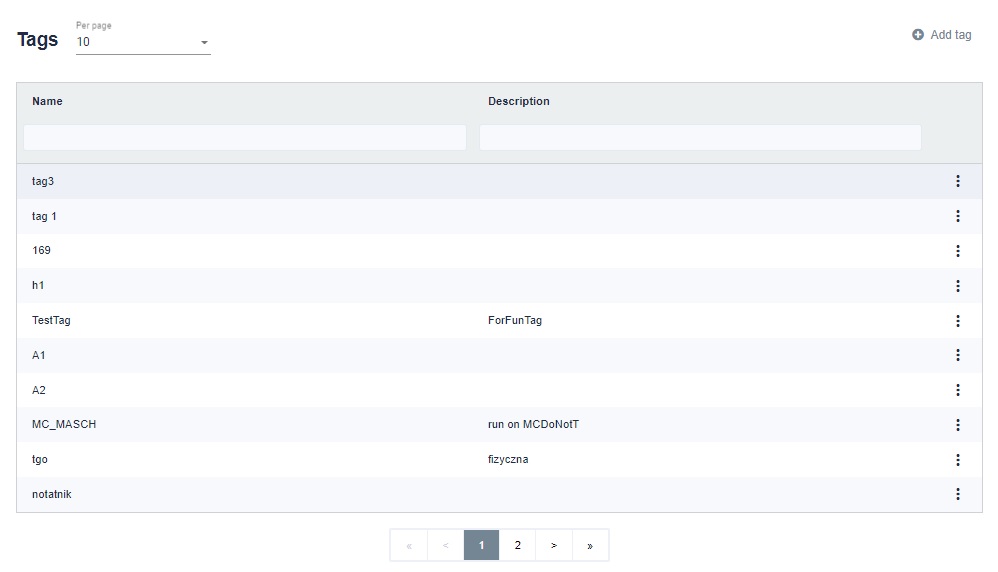
Tags are an additional element that identifies robots and scenarios. The best association for a tag will be the label. The tags were introduced so that the scenarios would go only to those who are able to execute them.
On the right side there is a button with three dots, after which you can edit a given tag. The tags on the list can be attached to the scenario on the scenario list and to the robot.
A robot with an assigned tag will be able to perform a scenario with or without this tag. If the scenario has more tags than the robot, this robot will not take care of it.
In the upper right corner we see the "Add tag" button.
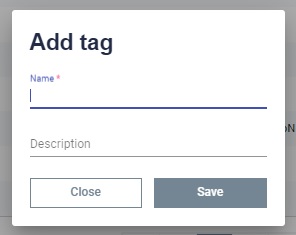
A window will appear in which you should enter a name and, optionally, a description. Once saved, such a tag will appear on the list.
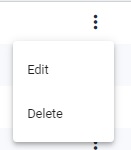
Clicking on the three dots on the right side of a given line will display a list of options to choose from. By clicking Edit you can edit the tag. By clicking Delete you can delete the selected tag.