
Calendars
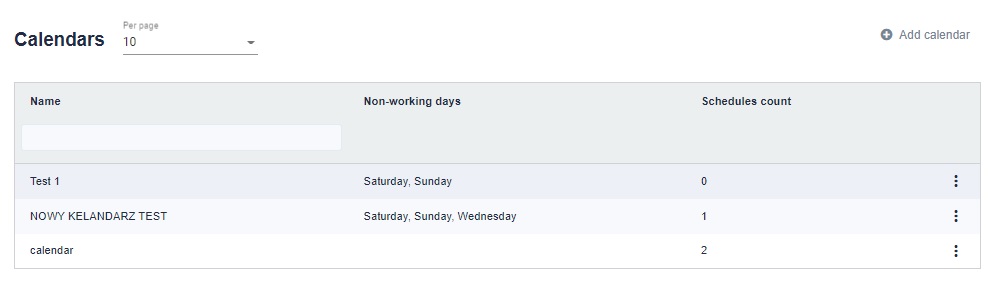
In this tab, we can create a working day calendar for the robot. In the Calendars tab in the upper right corner we have the add calendar button.
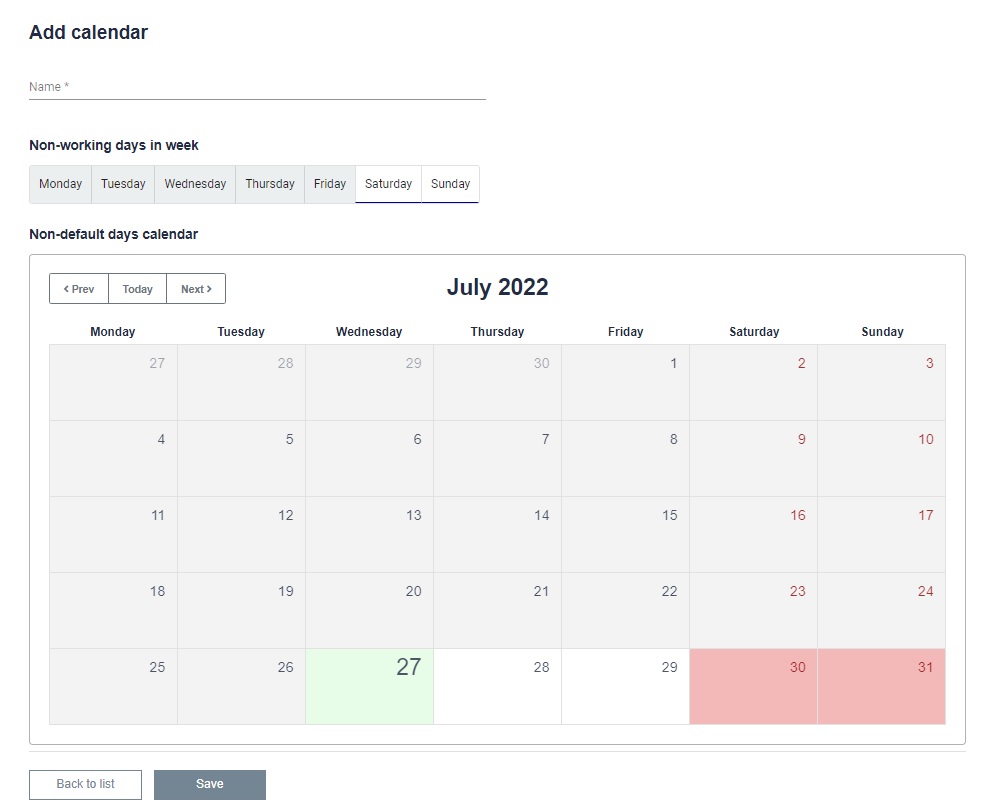
The calendar should be given a name for identification purposes. Define which days of the week are working and non-working. The calendar will then automatically set the appropriate colors. We can also manually set days off on the calendar by clicking on the appropriate day. We can also change non-working days to working days with a click.
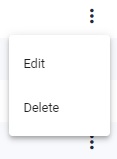
Edit - You can edit the present and future date of working and non-working days. You can also edit which days of the week are working and non-working days.
Delete - You can delete a specific calendar.