
Users
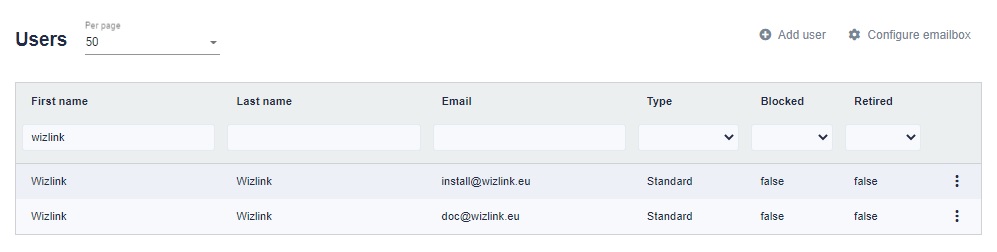
Within BCC, we can define many users and assign them access to individual elements of the system. There are two tabs to manage users and their rights: Users and Roles.
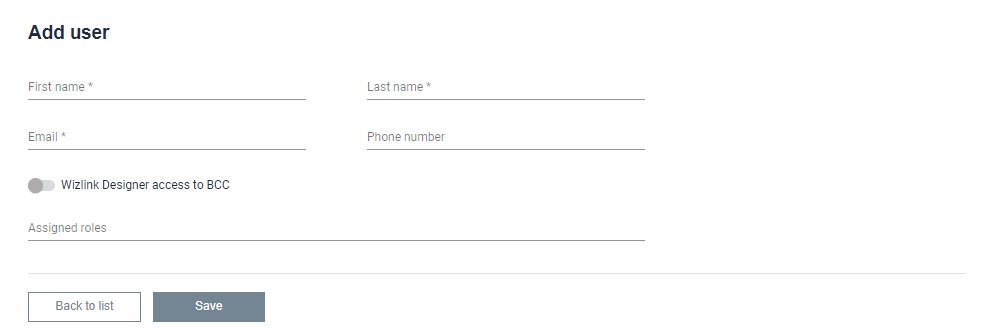
To add a user, use the Add user button in the Users tab. In the form, we provide the first and last name and e-mail address of the new user. We can also define whether a given user is to have access to BCC resources in Wizlink Designer. Finally, roles must be assigned to a given user. After saving, the new user will appear in the table and a message will be sent to him, which will guide him through the further registration process.
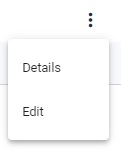
Details - Go to user details
Edit - Go to editing user settings