
Notifications
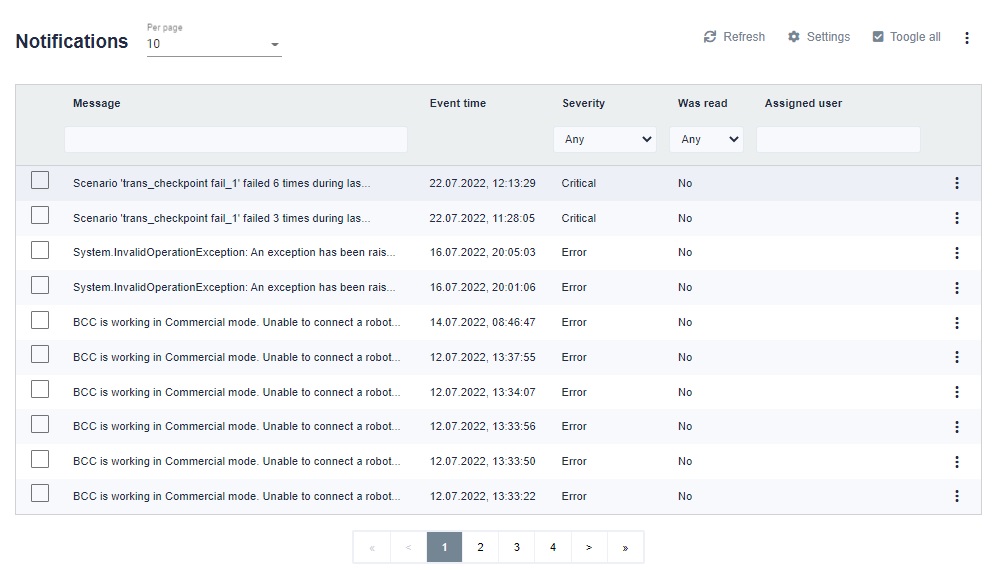
Notifications contain information whether a given scenario ran positively or ended with an error.
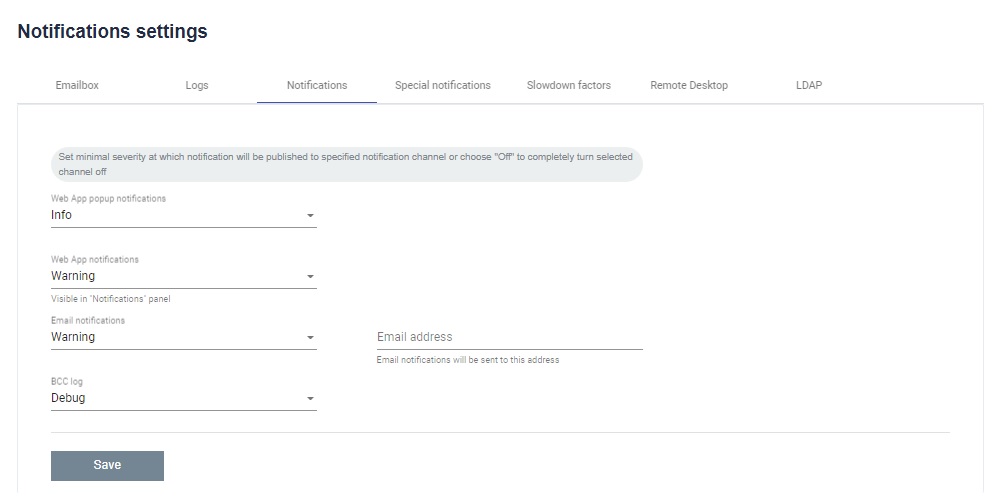
By entering the settings, you can set the minimum severity with which notifications will be published for each type of application, e-mail or BCC logs. You can also enter the e-mail address to which the e-mail notification should be sent.
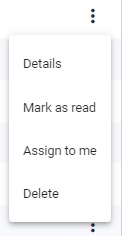
Details - You can see the details of the notification.
Mark as read - You can mark that a given notification has been read by the user.
Assign to me - You can assign a notification to yourself.
Delete - You can delete a specific notification.
